Ding-dong ding-dong! It's part 3 of 5 today, which means RECORDING DAY! -ragequits-
- Idea Stage
- Composing and Arranging Stage
- Recording Stage
- Mastering Stage
- Final Product
Recording
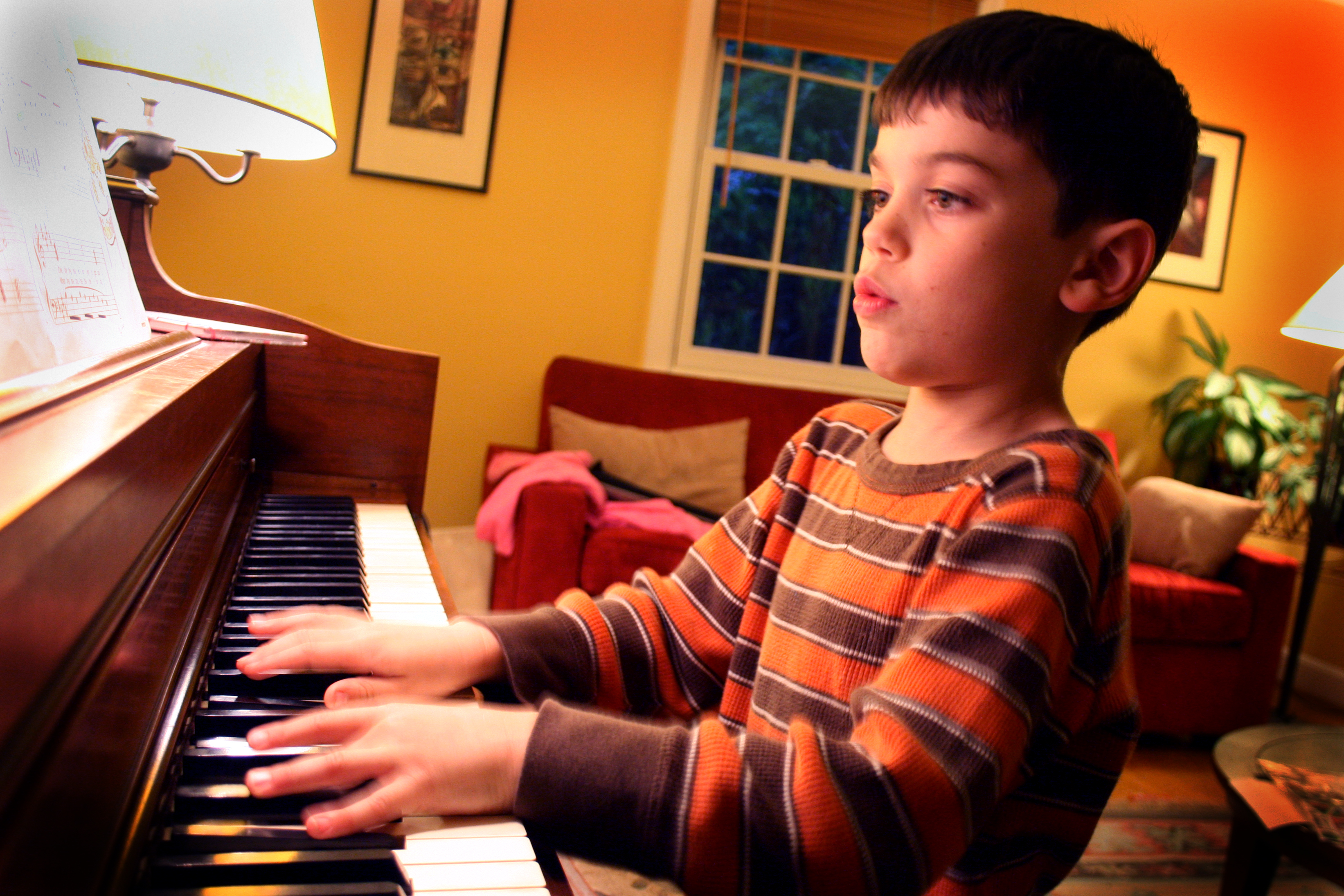 |
| Me practicing for recording |
There are several approaches to recording your own compositions, namely:
- Practice like you're going to perform in a concert
- Simply sight-read your way through with multiple takes then go through editing hell
- Practice until you can get 95% accuracy and lightly edit (I did this)
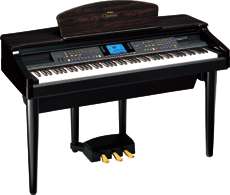
I used the instrument of choice, which is practically the only piano I had lying around for the past 20 years which is a Yamaha Clavinova CVP-107
 |
| The info panel underneath |
And so I hooked up my favourite earphones (it's d-Jays by the way) to get more privacy during mistakes made. Like typical 'industry practice', I stuck all music sheets together in one continuous page to avoid page turning.
 |
| All stuck together |
|
 |
| Angel and Gnome of Pianistic Studies |
I did about like seven takes before I got the final take to 95% accuracy (lucky me). Also, advice from the pros - record at night, because there's no one to disturb you :)
 |
| The Final Take, phew! |
One thing neat about this old Clavinova is that back in those days, they had about 20kb of internal memory, which is insufficient for this song. They included a diskette or a floppy disk interface where you could add memory and transfer the MIDI recorded elsewhere.
 |
| Still working like new! |
After I spent about like a paltry 100kB of memory (in today's standards) for seven takes, I used the Step Edit function to individually edit notes, timing and velocity of the MIDI.
For those of you who still have this relic of a Clavinova, you can access it by pressing the Rec button > Next Pg button until you see the Step Edit selection. Pressing the perimeter button will ask you to wait few seconds to reach the display below:
 |
| Step Edit function |
So basically I went through the whole song and combed it for any mistakes and whatnot. Editing was done via the 4-5 buttons below which are:
- Timing - which is when in the music that the note starts playing
- Note Number - the note on the keyboard
- Velocity - how loud/soft the note is
- Gate Time - the duration of the note
 |
| Items and their meanings |
Again, I spare the readers from the details of MIDI editing through the Step Edit Function, which you can read at length from the instruction manual linked below.
After editing I saved it back onto the floppy disk to be transferred to my PC. For starters, finding a floppy disk to USB reader wasn't easy nowadays, considering the extinction of the format itself. Honestly, I'm pretty surprised that my floppies still held up all these years! <fingers crossed>
On another note, I have thought of recording direct through the headphone cable to the microphone port of a laptop, as I've did previously on other songs like the
Ballad of the Green Mats. Unfortunately, the audio artifacts and the cable interference is too much to remove through audio editing, so I scrapped the whole idea altogether. Probably it's due to the connection ports being rusty or something.
Stay tuned for Part IV of V for this song!
More info!
Instruction manual -
https://www.manualslib.com/products/Yamaha-Clavinova-Cvp-107-36125.html
Product info -
http://usa.yamaha.com/products/musical-instruments/keyboards/digitalpianos/cvp_series/cvp107/